 Backing up your computer is one of those things that everyone knows they should do but far too often do not do very well. Don’t let your backup strategy improve only when you lose data or come oh so close to losing those memories. In this post, I provide you with my backup recommendations so you can get your data back when disaster strikes. Don’t think it won’t strike because the odds will likely prove you wrong.
Get an External Hard Drive
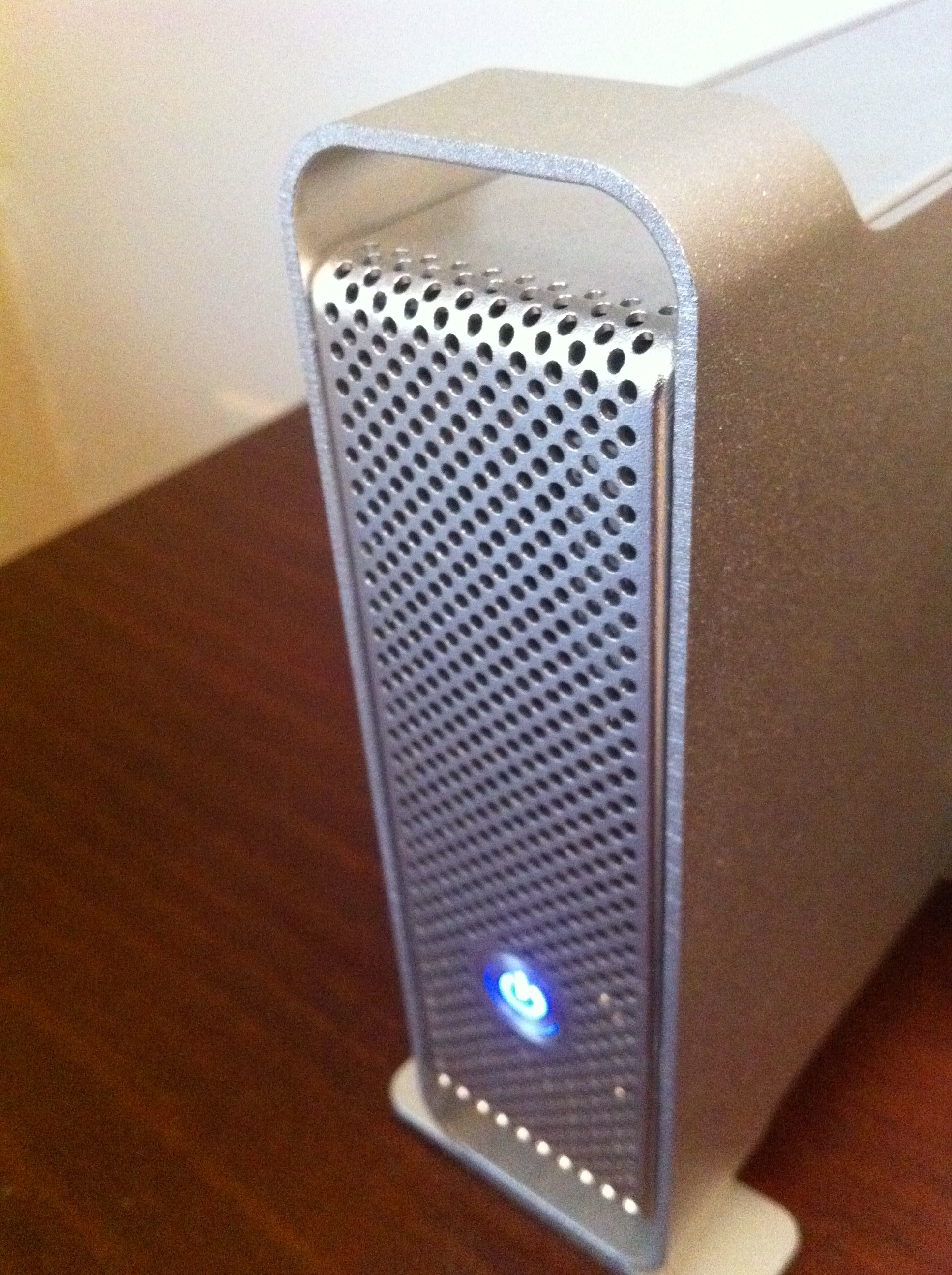
My first two backup steps use an external hard drive. My recommendation is to get an external drive that is twice the size of your Mac’s internal drive. This will allow you to do both of these backups on the same drive. Today’s standard Mac configurations come with up to 1 TB drives. 2 TB external drives are easy to come by for this recommendation. If you custom order a larger capacity drive with your Mac then you may need two external drives.
 Tom's Tech Tips